 Puzzle
 Kids
KidsWhat Is Brawl Stars Coloring?
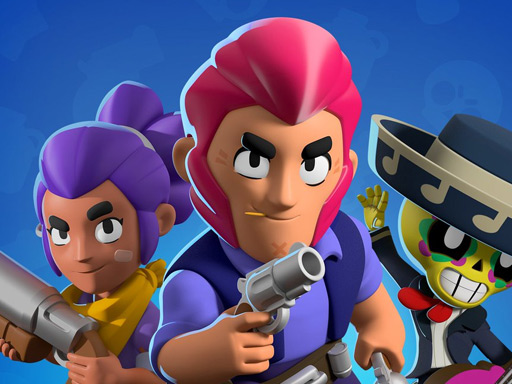
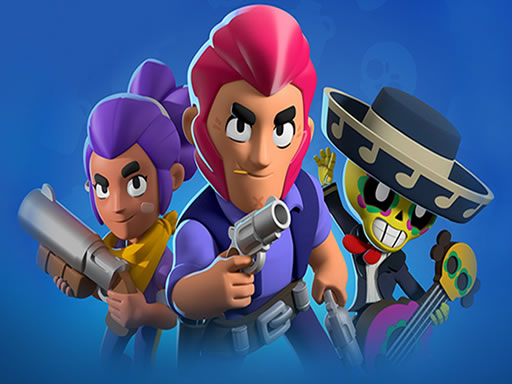
Here's the deal—if you've ever wanted to put your own spin on the fighters from Brawl Stars, this game gives you that chance. Brawl Stars Coloring hands you line drawings of characters you probably already recognize, and then you get to decide what colors go where. No rules, no pressure, just you and a palette of colors making creative choices.
The concept sounds simple, and that's exactly the point. You pick a character outline, select whatever colors appeal to you, and start filling. Maybe you keep Bull looking like he always does in the game, or maybe you decide he looks better in electric blue and hot pink. Both approaches are equally valid. The game doesn't grade your work or tell you what you're "supposed" to do.
It's a browser-based activity, so you don't need to install anything or create an account. You open the page, you start coloring, you save your work when you're done. That simplicity is part of what makes it appealing—you're not committing to anything heavy. You can color for two minutes or two hours, and either way you're getting something out of it.
How to Play Brawl Stars Coloring
The controls are about as straightforward as they come. You don't need to study a manual or watch a tutorial video.
The Core Mechanics
First, you pick which character you want to color from the available lineup. Each character gets their own separate page, so you can work on one at a time or jump around depending on your mood.
Once you've selected your character, you'll see an outlined illustration and a color palette off to the side. You click on a color to select it, then click inside any outlined region to fill it. That's genuinely the whole system. If you fill the wrong spot, there's usually an eraser or undo button to fix it. When you're happy with what you've created, you hit save and download the finished piece to your device.
The color palette itself offers enough variety to handle most projects. You get a solid range of hues to work with, including different shades within color families so you can add depth if you want to get fancy about it.
Tips for Getting Started
A few things I wish someone had told me when I first tried this kind of game:
Start with the big areas first. Fill in the main sections of the character before you worry about smaller details like facial features or accessories. This keeps you from getting bogged down in fine work before you've established the foundation.
Look before you leap. Take a moment to study the whole outline before you start. Get a sense of what you're working with and maybe form a vague plan. You don't need a detailed strategy, but knowing roughly what you want helps.
Don't be afraid to experiment. If a color combination looks weird on screen, that's fine—it might grow on you, or you can always undo it. There's no penalty for trying things.
The game name appears naturally throughout this piece, and that's the whole setup. You pick colors, you fill outlines, you end up with artwork you can keep and share. Nothing complicated, nothing stressful. Just a quiet little creative activity that happens to feature characters you might already like from the mobile game.